

Introduction
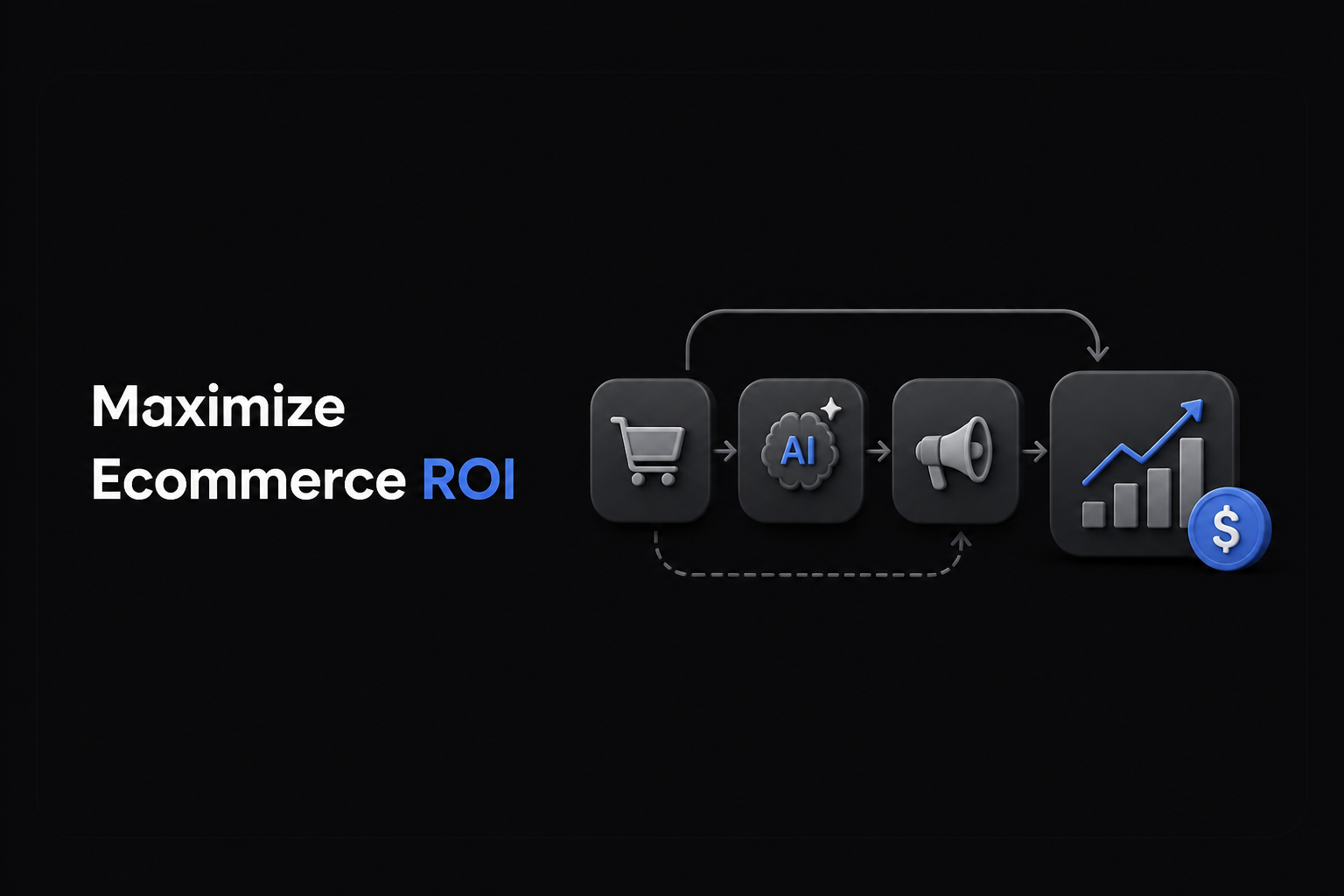
In the competitive ecommerce landscape, maximizing return on investment (ROI) is critical. AI marketing tools, especially platforms like DIMA Media Studio, provide transformative workflows that automate content creation, localization, and campaign management without losing creative control. This guide outlines a clear, actionable workflow to harness these tools effectively.
Step 1: Import and Organize Your Product Catalog
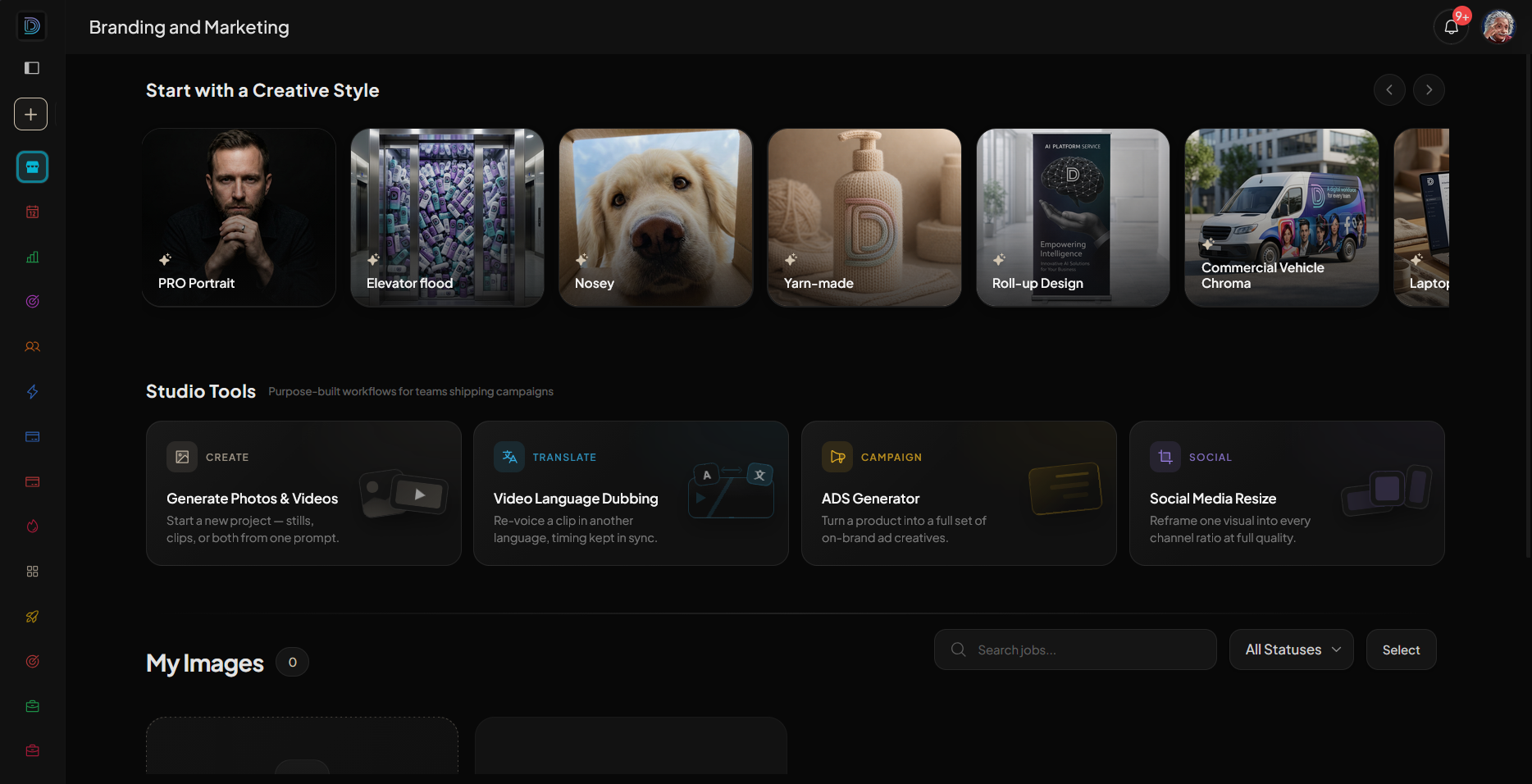
Start by importing your entire ecommerce product catalog into DIMA Media Studio. This creates a centralized repository where every SKU is ready for styling, resizing, and campaign use.
- Benefit: Eliminates repetitive manual uploads and ensures product consistency across campaigns.
Step 2: Create Visual Content from One Brief
Use the platform’s AI-powered ads builder to generate multiple ad formats (feed, story, reel) from a single still image and copy line.
- Feature Highlight: Background removal and subject isolation enable dropping your product into fresh new settings without reshoots.
- Benefit: Speeds up creative production while maintaining brand freshness.
Step 3: Automate Multilingual Video Translation
Leverage DIMA’s video translation tools to adapt video ads to different languages while keeping lip-sync accuracy intact.
- Benefit: Expands your campaign reach internationally without needing new shoots or complex editing.
Step 4: Build UGC-Style Product Ads
Generate user-generated content (UGC)-style ads that resemble authentic creator posts. These ads can be rapidly deployed to social platforms.
- Benefit: Increases ad engagement by mimicking organic content, driving higher conversion rates.
Step 5: Organize Campaign Assets and Collaborate
Keep all generated images, videos, ads, and versions organized within locked galleries. Share password-protected links for brand review and approval.
- Benefit: Streamlines collaboration and reduces feedback cycles.
Step 6: Schedule and Automate Campaign Rollouts
Schedule your campaigns directly from the platform, automating output across channels and markets.
- Benefit: Saves time and ensures consistent delivery according to your marketing calendar.
Conclusion
By following this step-by-step workflow with AI marketing tools like DIMA Media Studio, ecommerce businesses can dramatically reduce content production time, adapt swiftly to new markets, and maintain high creative standards—all contributing to maximizing ROI.
Explore how to transform your ecommerce marketing by visiting DIMA Media Studio today.
 DIMA
DIMA