

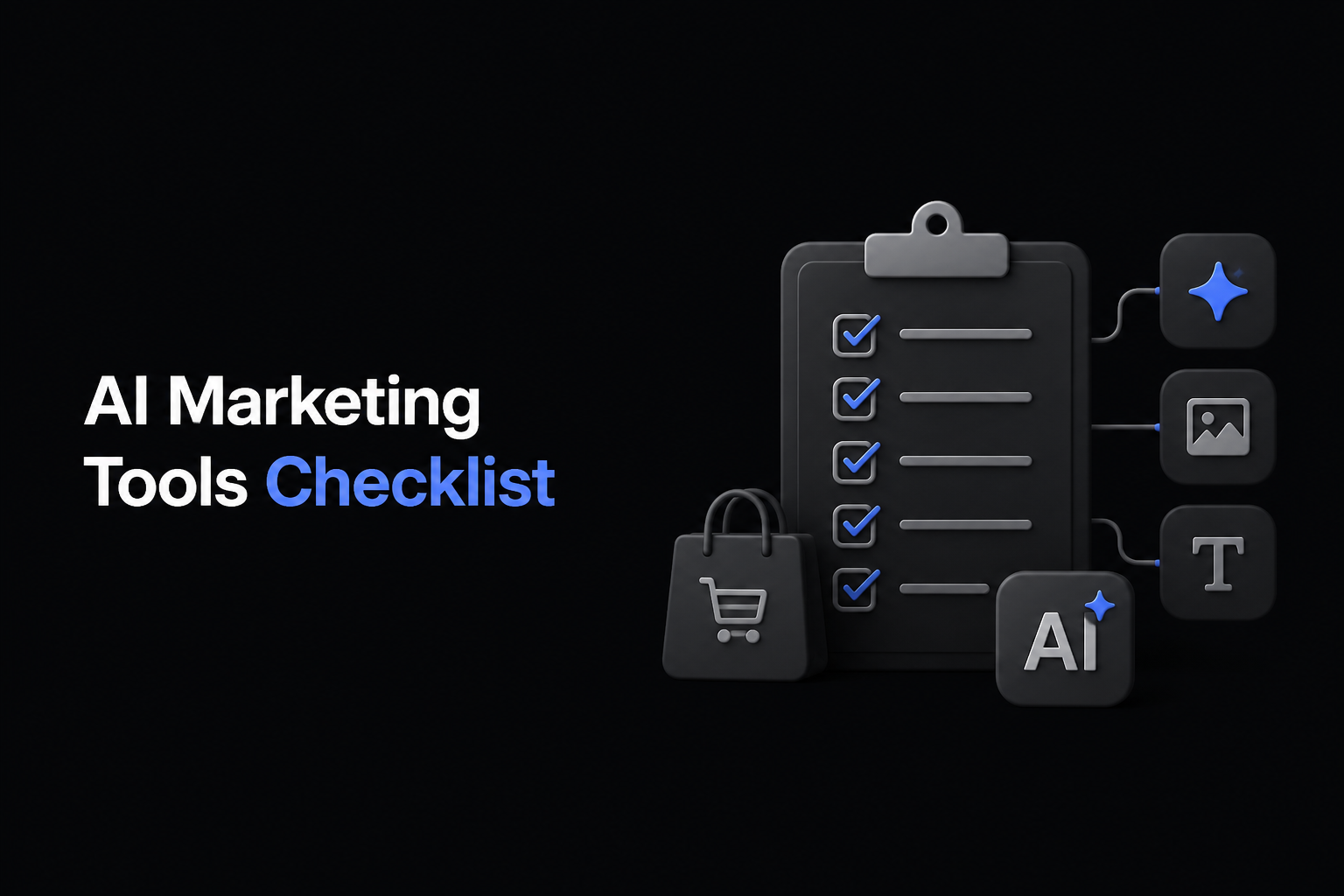
AI Marketing Tools Checklist to Avoid Ecommerce Content Overload
Ecommerce teams face a growing challenge: managing vast amounts of visual content and campaigns without drowning in complexity or duplicating effort. AI marketing tools promise efficiency but often add layers of disconnected apps, causing content overload and wasted budgets. This guide walks you through a practical checklist to avoid these pitfalls by consolidating your workflow into one unified workspace — the DIMA Media Studio.
By the end, you'll know how to streamline ecommerce content creation, automate production without reshoots, and keep everything organized for faster approvals and multi-market scalability.
Key Takeaways
- Avoid scattered AI marketing tools by unifying content and campaigns in one media studio.
- Use AI-powered automation to generate multiple ad versions from a single product still.
- Automate video translation with synced lip movements for new markets without reshooting.
- Organize digital assets by campaigns and product lines for efficient review and reuse.
- Set briefs once and automate ongoing production for continuous content flow.
- Fragmented workflows slowing down approvals.
- Duplicate creative efforts and inconsistent brand messaging.
- Increased costs from repeated shoots and manual resizing.
- Centralize Briefs and Assets: Start every campaign by inputting your product images, lines, and brand context into one workspace.
- Leverage AI for Multipurpose Visuals: Use DIMA's media studio tools to generate multiple ad styles, sizes, and formats from a single product photo.
- Automate Video Localization: Translate and adapt video ads quickly with lip-sync technology to expand into new markets without additional filming.
- Organize Content by Campaign and SKU: Sort assets into galleries by client or product line to streamline review and reuse.
- Schedule Automated Outputs: Set production schedules and let AI generate fresh content on time, reducing last-minute rushes.
- Review Securely with Locked Galleries: Share password-protected galleries for brand approvals to keep feedback centralized and transparent.
- Product ads combining image and copy.
- Social media packs including feed, story, and reels.
- UGC-style campaigns that feel authentic and ready to run.
- Localized video ads without reshoots.
- Centralize your AI marketing tools in one workspace.
- Automate multipurpose content creation from single assets.
- Use AI video translation to expand markets without new shoots.
- Organize all assets and versions for easy review and reuse.
- Automate scheduling for continuous content flow.
Why Ecommerce Teams Struggle with AI Marketing Tool Overload
Ecommerce marketing demands rapid content production across channels, products, and markets. Teams adopt numerous AI marketing tools for image editing, video creation, copywriting, and translation. However, juggling multiple apps leads to:
The solution is a unified platform that integrates these AI tools within a single workspace designed for ecommerce.
How DIMA Media Studio Solves Content Overload with Unified AI Tools
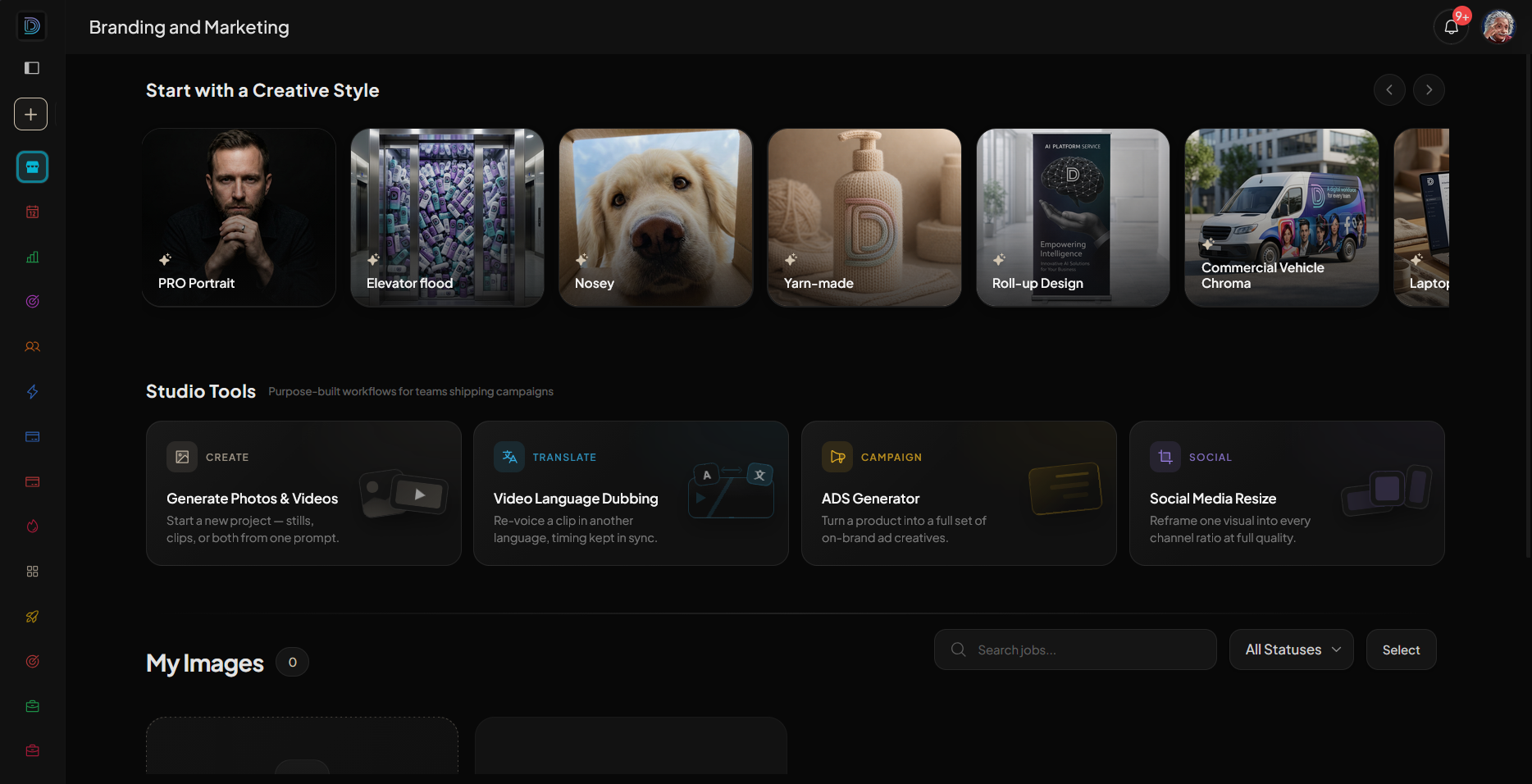
DIMA Media Studio offers a comprehensive AI workspace that merges your creative and operational ecommerce needs:
| Feature | Benefit |
|---|---|
| Ads Builder | Create product ads from one brief with image and copy combined. |
| Background Removal | Cut subjects from photos and reposition them effortlessly. |
| Video Translation | Translate videos with lips synced to new languages without reshoots. |
| UGC Campaigns | Generate product ads that appear as authentic creator posts. |
| Social Pack Generation | Produce feed, story, and reel formats from a single still image. |
| Catalog Import | Pull entire product catalogs for automated styling and resizing. |
| Locked Galleries | Share secure review links with brands for faster approvals. |
This all-in-one approach prevents tool sprawl and keeps content versions linked to original briefs, maintaining consistency.
Checklist: Key Steps to Avoid AI Content Overload in Ecommerce
Avoiding Common AI Marketing Tool Mistakes
| Mistake | How to Fix It with DIMA Media Studio |
|---|---|
| Using Multiple Disconnected Tools | Consolidate workflows in one AI-powered media studio. |
| Reshooting for New Markets | Translate videos with synced lips instead of reshooting. |
| Manual Resizing and Formatting | Automate multiple output formats from one asset. |
| Losing Track of Versions | Keep all versions linked to the original brief within the studio. |
How to Integrate DIMA Media Studio into Your Ecommerce Workflow
Start by importing your product catalog into DIMA Media Studio. This instantly makes every SKU ready for styling and resizing. Create briefs once, detailing the product, key messages, and brand context. The media studio then generates:
All assets are stored and organized by campaign or product line, with locked galleries to streamline brand reviews.
Explore how DIMA’s automation frees teams to focus on strategy and growth while AI handles repetitive production tasks.
Frequently Asked Questions
What are the benefits of using DIMA Media Studio over separate AI marketing tools?
DIMA Media Studio combines multiple AI capabilities such as image editing, video translation, ad creation, and campaign management into one platform, reducing tool sprawl, saving time, and maintaining brand consistency.
Can I use free AI tools alongside DIMA Media Studio?
While free AI tools can complement your workflow, DIMA Media Studio centralizes all production to prevent fragmentation and improves efficiency beyond what scattered free tools can offer.
How does video translation work without reshooting?
DIMA’s AI translates spoken content into new languages with lip-sync technology, preserving natural mouth movements on screen, eliminating the need for costly reshoots.
Is it possible to automate social media content scheduling?
Yes, once you set your briefs and production schedules, DIMA Media Studio automates content generation and output, ensuring your campaigns stay on track without manual intervention.
Can I share content securely with clients for approval?
DIMA offers locked galleries with password protection, allowing brands to view, comment, and approve content efficiently and securely.
Conclusion
To avoid ecommerce content overload and costly inefficiencies:
Start your journey to streamlined ecommerce AI marketing with a trial of DIMA Media Studio and see how one workspace can transform your campaigns.
 DIMA
DIMA