

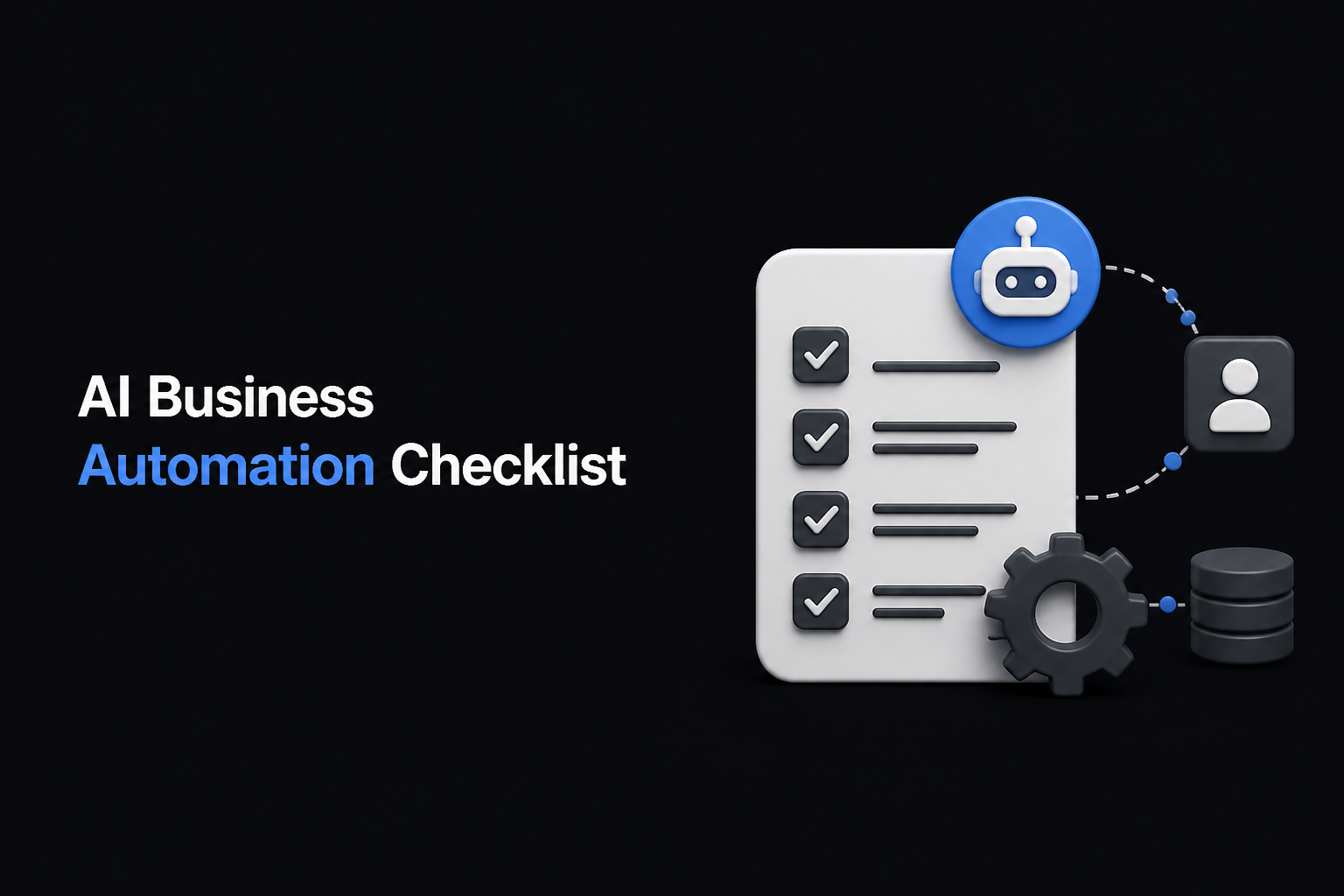
AI Business Automation Checklist to Avoid Workflow Breakdowns
Smart businesses rely on AI business automation to save time and reduce errors. But automation only works if workflows run smoothly without unexpected breakdowns. In this guide, you’ll learn a practical checklist to design, launch, and maintain AI workflows that keep your digital employees productive and your business processes flowing seamlessly.
Key Takeaways
- Identify critical workflows and repetitive tasks ripe for AI automation.
- Choose the right AI agents tools and configure workflows clearly.
- Monitor workflow execution live and spot breaks early using dashboards.
- Establish approval steps to maintain human oversight while automating.
- Use DIMA’s digital workforce platform to build, customize, and run automations with no code.
- Focus on the right tasks for AI business automation.
- Use DIMA’s no-code platform to pick and configure AI agents tools.
- Monitor workflows live and include human approval steps.
- Test thoroughly before scaling your digital workforce.
Why AI Business Automation Can Break Down Workflow
Many automation projects fail because they overlook small details in workflow design or monitoring. Common issues include poorly defined task handoffs, missing error handling, or lack of visibility into progress. Without these, AI agents and digital employees can stall or deliver incomplete results, costing time and trust.
Understanding these risks early prevents costly failure in ecommerce AI automation and business process automation tools.
Step 1: Identify Processes That Benefit Most from AI Workflows
Start by mapping out business automation opportunities. Focus on repetitive, rules-based tasks like lead follow-ups, data entry, or report generation. These are perfect for AI agents because they can run continuously without fatigue.
Use DIMA’s automation marketplace to explore ready-made workflows for email outreach, client nurture, and offer writing that can be customized quickly.
Step 2: Choose and Configure AI Agents Tools Carefully
Selecting the right digital employees matters. DIMA’s library of AI agents spans Gmail, Drive, Slack, and more, letting you pick specialists for each task. Configure agents by describing their roles clearly and setting guardrails to prevent errors.
Use the automation builder to link agents into workflows with a simple prompt describing the desired outcome, not the micro steps. This reduces human error and setup time.
Step 3: Build Workflows with Monitoring and Approval Controls
Workflows should always run where you can watch them. DIMA offers a live Kanban board view to see each agent’s progress card by card. This visibility helps spot blockers quickly.
Include approval gates in your workflows so humans stay in control of critical outputs but routine tasks run automatically. This hybrid approach maximizes efficiency while minimizing risk.
Step 4: Test and Iterate Before Full Launch
Don’t deploy new AI workflows blindly. Run pilot tests using the free 7-day trial from DIMA to collect feedback and spot workflow weaknesses. Adjust agent parameters, triggers, and rules as needed.
Iterative refinement ensures you catch edge cases and reduces post-launch firefighting.
Step 5: Maintain and Scale Your Digital Workforce
Automation is not a set-and-forget task. Regularly review workflow performance and update your digital employees as business needs evolve. DIMA’s platform logs every action per workspace, helping you audit and improve workflows continuously.
Scaling up means adding more AI agents and workflows from the marketplace or custom building agents tailored to new challenges.
Comparison: Manual vs AI Business Automation Workflow Supervision
| Aspect | Manual Workflow | AI Business Automation with DIMA |
|---|---|---|
| Setup complexity | High, requires coding or manual processes | Low, no-code builder and agent marketplace |
| Monitoring | Difficult, often offline logs | Real-time Kanban board tracking |
| Error handling | Reactive, slow | Proactive with instant notifications |
| Human oversight | Continuous manual work | Approval steps embedded within workflows |
| Scalability | Limited by staff capacity | Easy, add digital employees as needed |
FAQs
What are AI agents in business automation?
AI agents are specialized digital employees designed to perform specific tasks like sending emails, managing files, or scheduling meetings. They operate within AI workflows to automate repetitive work.
How does DIMA’s automation builder simplify workflow AI?
DIMA lets you describe the desired outcome in plain language. It then automatically assembles and coordinates the right AI agents tools to complete the workflow without coding.
Can I customize AI agents for unique business needs?
Yes, DIMA supports building custom agents with role descriptions and guardrails to fit specific tasks while keeping workflows safe and reliable.
How do I maintain control over automated tasks?
You stay in control by setting up approval steps in workflows and monitoring progress on the live board, allowing you to intervene if needed.
Are there integrations with common business tools?
DIMA integrates with Gmail, Drive, Slack, Google Calendar, Sheets, Docs, Trello, and more, connecting your existing software into automated workflows.
Conclusion
Put your business processes on autopilot with DIMA’s automation platform. Start your free 7-day trial and see how AI workflows and digital employees can save you time and reduce errors today.
 DIMA
DIMA